> ## Documentation Index
> Fetch the complete documentation index at: https://aegean.ai/llms.txt
> Use this file to discover all available pages before exploring further.

# Tutorials

> Step-by-step guides and how-tos for AI development

<div
  style={{
display: 'grid',
gridTemplateColumns: 'repeat(auto-fit, minmax(280px, 1fr))',
gap: '20px',
marginTop: '1.5rem'
}}
>
  <a href="/blog/tutorials/creating-diagrams" className="preview-card">
    <img src="https://mintcdn.com/aegeanaiinc/bd6agUErNuN8wBiN/aiml-common/resources/diagrams/clustered_web_services.png?fit=max&auto=format&n=bd6agUErNuN8wBiN&q=85&s=6f5590b08967693f8ea058a2905d3c59" alt="Architecture diagram created with Python diagrams package" className="no-dark-bg" style={{width: '100%', height: '200px', objectFit: 'cover', borderRadius: '8px 8px 0 0', display: 'block'}} width="1367" height="1152" data-path="aiml-common/resources/diagrams/clustered_web_services.png" />

    <div className="preview-card-caption">
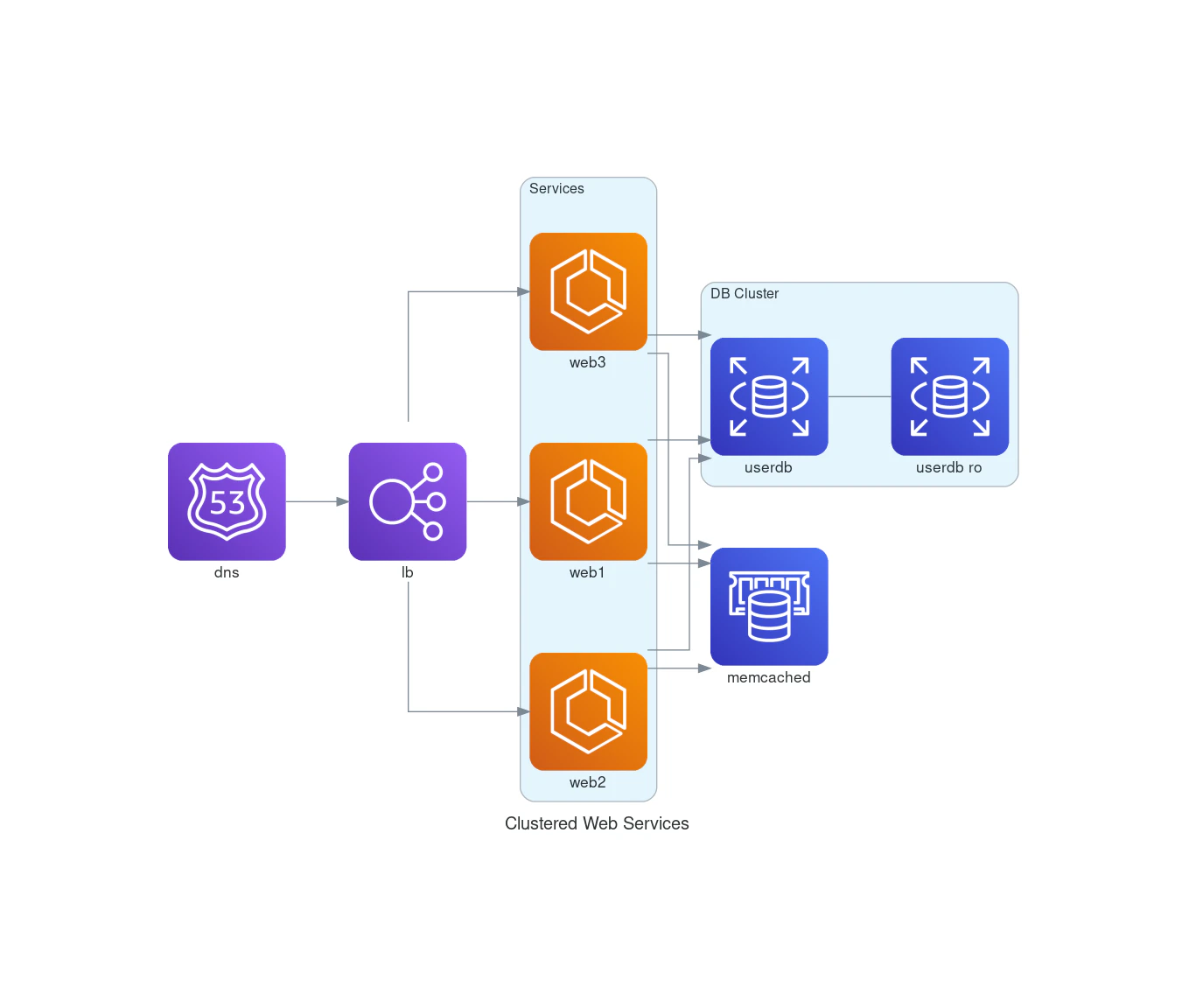
      <h3>Creating Diagrams as Code</h3>
      <p>How to create architecture diagrams programmatically using Python's diagrams package and Mermaid.</p>

      <div className="preview-card-tags">
        <span className="preview-card-tag">Python</span>
        <span className="preview-card-tag">Diagrams</span>
      </div>
    </div>
  </a>

  <a href="/blog/tutorials/hf-coco-streaming" className="preview-card">
    <img src="https://mintcdn.com/aegeanaiinc/AR65RhT3QTdLG_9G/blog/tutorials/hf-coco-streaming/images/cell_6_output_1.png?fit=max&auto=format&n=AR65RhT3QTdLG_9G&q=85&s=8f800348bff59f5864e303a1a4ceb769" alt="COCO object detection with bounding boxes visualized" className="no-dark-bg" style={{width: '100%', height: '200px', objectFit: 'cover', borderRadius: '8px 8px 0 0', display: 'block'}} width="1589" height="423" data-path="blog/tutorials/hf-coco-streaming/images/cell_6_output_1.png" />

    <div className="preview-card-caption">
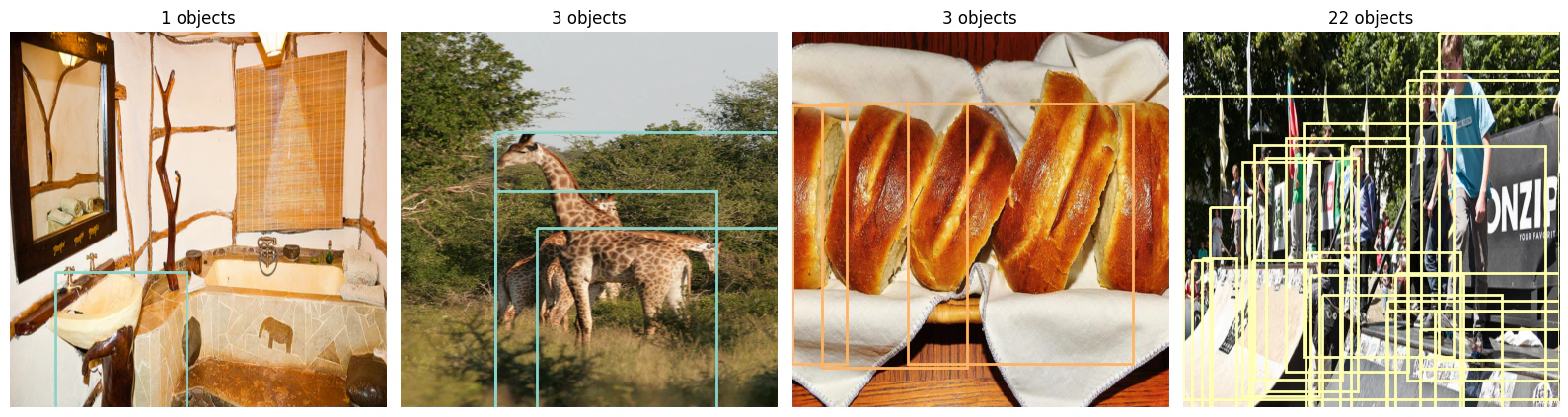
      <h3>Stream COCO for Object Detection</h3>
      <p>Train an object detection model on COCO without downloading the full dataset, using HuggingFace datasets streaming.</p>

      <div className="preview-card-tags">
        <span className="preview-card-tag">HuggingFace</span>
        <span className="preview-card-tag">Object Detection</span>
      </div>
    </div>
  </a>

  <a href="/blog/tutorials/enhancing-turtlebot-maze" className="preview-card">
    <img src="https://mintcdn.com/aegeanaiinc/L1SRT9O-msofX82J/blog/tutorials/gazebo-objects-guide/images/sdf-xacro-inserts.png?fit=max&auto=format&n=L1SRT9O-msofX82J&q=85&s=82d55f488c49a6e28e4422539228a86b" alt="SDF xacro file with Gazebo model inserts for TurtleBot maze world" className="no-dark-bg" style={{width: '100%', height: '200px', objectFit: 'cover', borderRadius: '8px 8px 0 0', display: 'block'}} width="1268" height="1021" data-path="blog/tutorials/gazebo-objects-guide/images/sdf-xacro-inserts.png" />

    <div className="preview-card-caption">
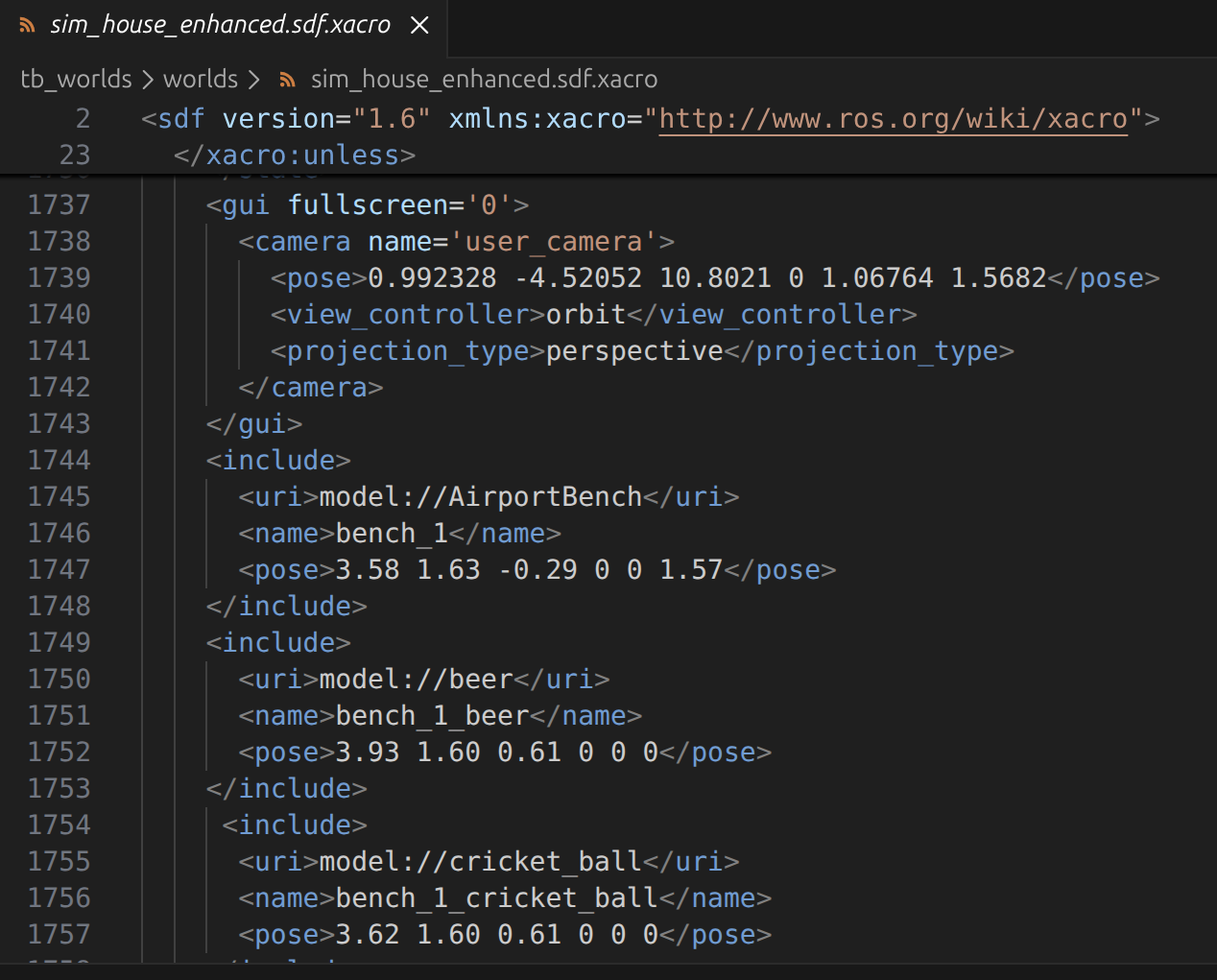
      <h3>Enhancing the TurtleBot Maze World</h3>
      <p>Add taller textured walls and ArUco markers to a Gazebo simulation by cherry-picking assets and building a parameterized world variant.</p>

      <div className="preview-card-tags">
        <span className="preview-card-tag">Gazebo</span>
        <span className="preview-card-tag">ROS</span>
      </div>
    </div>
  </a>
</div>

***

<Callout icon="pen-to-square" iconType="regular">
  [Edit this page on GitHub](https://github.com/aegean-ai/eaia/edit/main/src/blog/tutorials/index.mdx) or [file an issue](https://github.com/aegean-ai/eaia/issues/new/choose).
</Callout>